
Practical guide: how to build a gaming PC?
Choose the best parts, make the necessary adjustments and fittings and be prepared for a gaming experience never seen before.
Advertisements
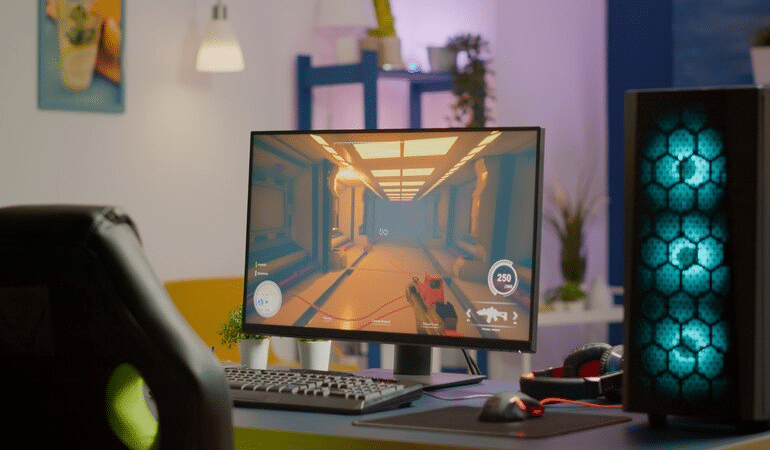
Building a gaming PC allows you to create a customized gaming machine, with superior performance to pre-built ones.
So when you build your own PC, you can choose the highest-quality parts that meet the demands of the latest games. This results in elite performance, with high-resolution graphics, smooth frame rates, and fast loading times.
In this post, you’ll find tips for choosing the best parts and a tutorial with detailed steps on how to build a gaming PC from scratch. Are you ready? Because we are!
Choose the best components
Knowing how to build a gaming PC starts with understanding how to choose the components. Each part plays a role in the machine's performance and ability to handle more demanding games. Therefore, it is essential to analyze in detail how to make the right selection!
Starting with the CPU, the brain of the system and determining factor in processing performance. For games, it is advisable to look for high-speed multi-core processors, preferably from Intel or AMD brands.
Next, the motherboard is the central component that connects everything else together. It is important that it is compatible with the CPU and has adequate features. Such as PCIe slots for graphics cards, support for high-speed RAM, and enough USB ports.
The graphics card is the most important component for gaming. Therefore, it is essential to choose a GPU that meets the demands of your favorite games. Nvidia and AMD are good options, as they offer high-performance options.
RAM memory affects the overall performance of your gaming PC. For most gamers, 16 GB is the minimum acceptable. But the ideal is to have 32 GB or more, especially for intensive gaming. Also, opt for high-speed modules for better performance.
When it comes to storage, the right choice is to use an SSD for the operating system and games. This is because the component provides faster loading times than an HDD.
The power supply should be chosen with adequate power to power all components and leave room for future upgrades. Make sure to use an efficient power supply from a reputable brand.
Ultimately, the case is the 'house' of your PC and needs to accommodate all the parts with enough space. Choose a case with good air circulation and, if possible, with cable management for an organized assembly.
Assembly tutorial: 6 practical steps!
To assemble your gaming PC, the first step is to gather your tools, such as screwdrivers and an anti-static wrist strap. Remember to work on a clean surface and discharge any static electricity. In addition, check out these tips:
Step 1: Start by mounting the CPU on the motherboard, applying thermal paste and attaching the cooler. Then install the motherboard in the case and take the opportunity to connect the power supply to the components and the motherboard.
Step 2: Place the RAM modules in the appropriate slots and connect the storage devices. Then, mount the video card in the PCIe slots and connect it to the power supply.
Step 3: integrate all cables such as front panel and rear panel cables as well as power cables.
Step 4: integrate the monitor, keyboard and mouse. Once done, turn on the PC and check if everything is working perfectly.
Step 5: Install the operating system of your choice, such as Windows. Then download and install the latest drivers for your CPU, GPU, and other components.
Step 6: Adjust graphics settings in games to get the right balance between quality and performance. Also, install hardware monitoring software to keep an eye on temperatures and performance.
PC ready, time to play!
Now that your PC is built and optimized, it’s time to enjoy your favorite games with stunning graphics and top-notch performance. Remember to keep your system updated and clean to ensure the best possible gaming experience.
In fact, since you are not limited by the specifications of a pre-built PC, whenever you deem it necessary, you can update individual components according to your gaming needs.
Did you enjoy learning how to build a gaming PC? Then share it with your pro-gaming friends who need these tips. Also, check out these iPhone tricks and discover features you never knew existed.